
The short answer. TrackMyPaw is a walking app for iPhone that dog walkers use to show owners every walk: the route, how far and how long, sent as a card on WhatsApp or iMessage. It takes no commission, charges no fee per walk, and your clients don’t need the app. One subscription, and that’s it.
Owners can’t see what you do all day. They hand over a key and trust you. The walkers they keep, and recommend to the neighbours, are the ones who show them the walk instead of just saying it happened.
1. No commission: keep everything you earn
Most apps for dog walkers make their money from your walks. Booking marketplaces take a cut of every booking, and business software charges a monthly fee for every walker on your team. TrackMyPaw doesn’t touch your earnings.
What you keep from a $20 walk
An example walk price. With TrackMyPaw you pay one flat subscription instead, the same whether you do five walks a week or fifty.
TrackMyPaw
One subscription, monthly or yearly. That’s it.
- 0% of your walks, every walk is yours
- No fee per walk, per client or per dog
- Clients pay you directly, however you agree
- Clients don’t need an app or an account
- Your clients stay your clients
- Ready in minutes, nothing to set up
Booking marketplace
A cut of every walk
- Often 15% to 40% of each booking
- Clients pay the platform, not you
- Its rules on cancellations and payouts
- Can bring you new clients
Business software
Monthly, per walker
- The bill grows with your team
- Lots of setup if you walk on your own
- Invoices and payments built in
Try it on your next few walks. The first 5 GPS walks are free, and your clients don’t need to download anything.
2. Proof of every walk, sent to the owner
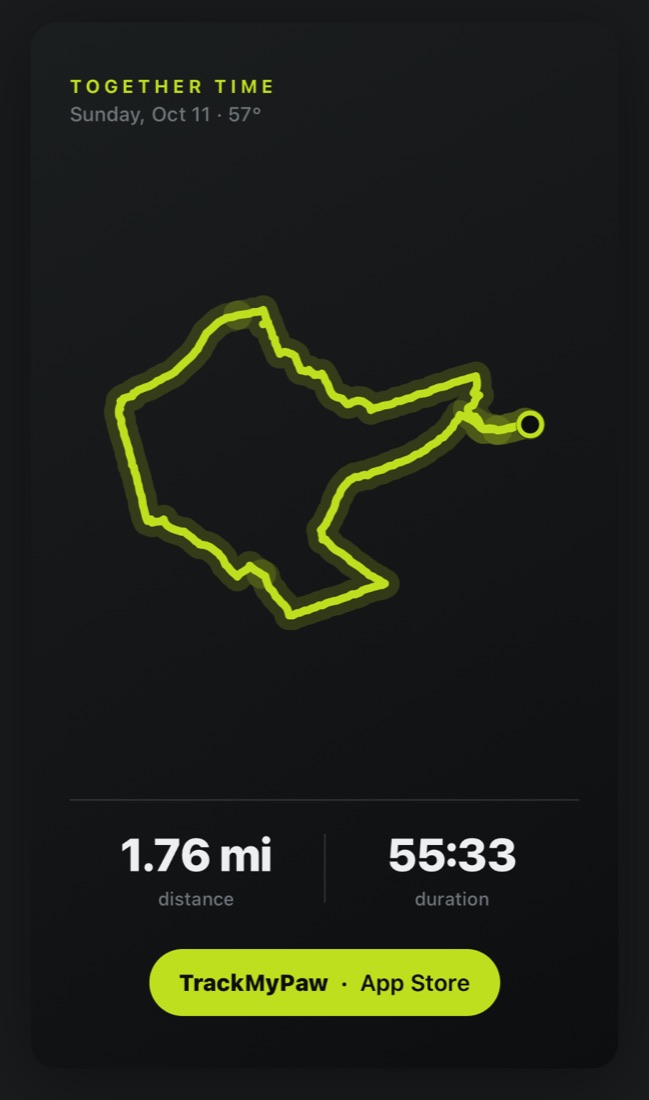
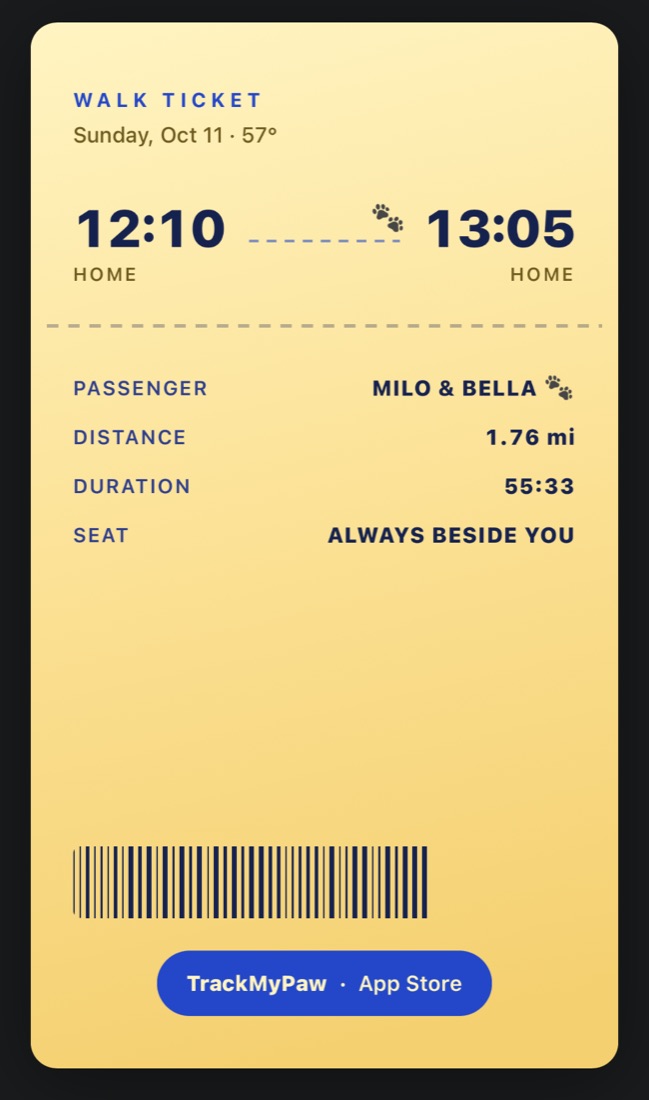
When you finish, tap Share walk and pick a card. Some draw the route you took, others show when you left and when you got back. It goes out as a normal picture through WhatsApp, iMessage or email, with a photo or two, and it says far more than “all good!” ever could.
3. Walk several dogs at once
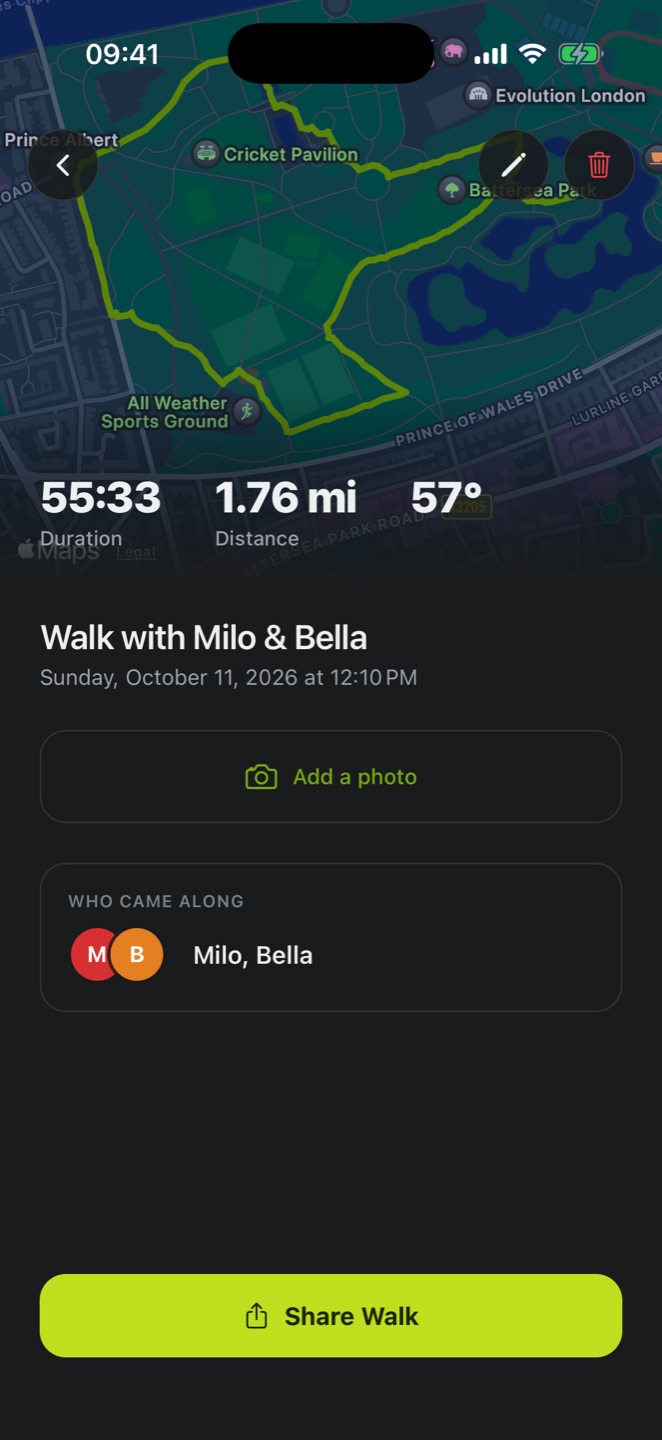
Walking two dogs from the same house? Pick both before you start and the walk is saved to each of them, so each owner’s numbers always match.
Not sure how long each one needs? Here’s how far to walk a dog by breed and age. And if one of them barks or lunges at other dogs, our guide to walking a reactive dog has what makes those walks calmer.
4. Every dog’s walk history in one place
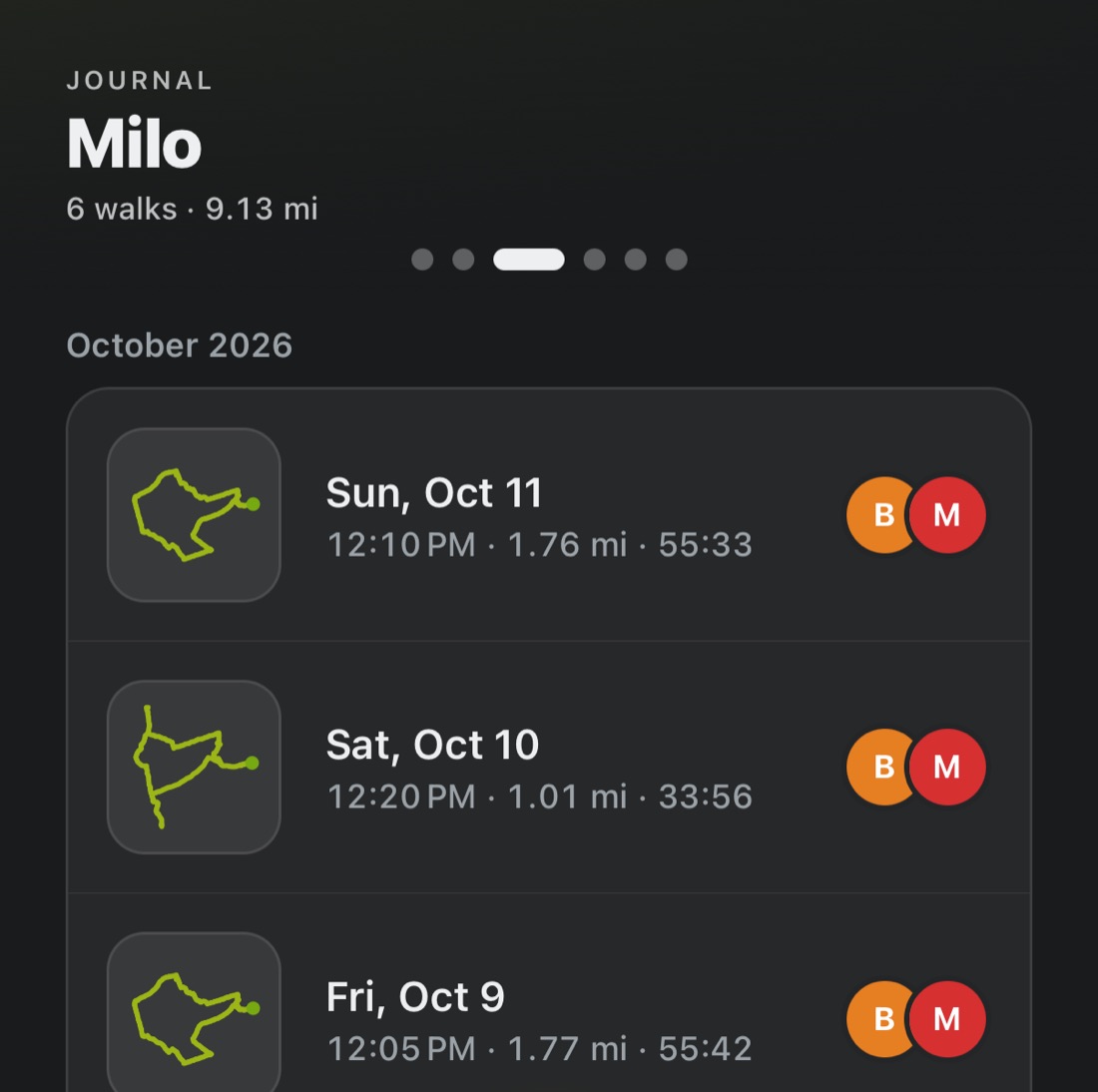
Every walk lands in the Journal. Swipe to one dog and you have their whole history: every date, route, distance and time. Handy at the end of the month, and handier when an owner asks “did you take her out last Thursday?”
5. Notes about each dog, in Care
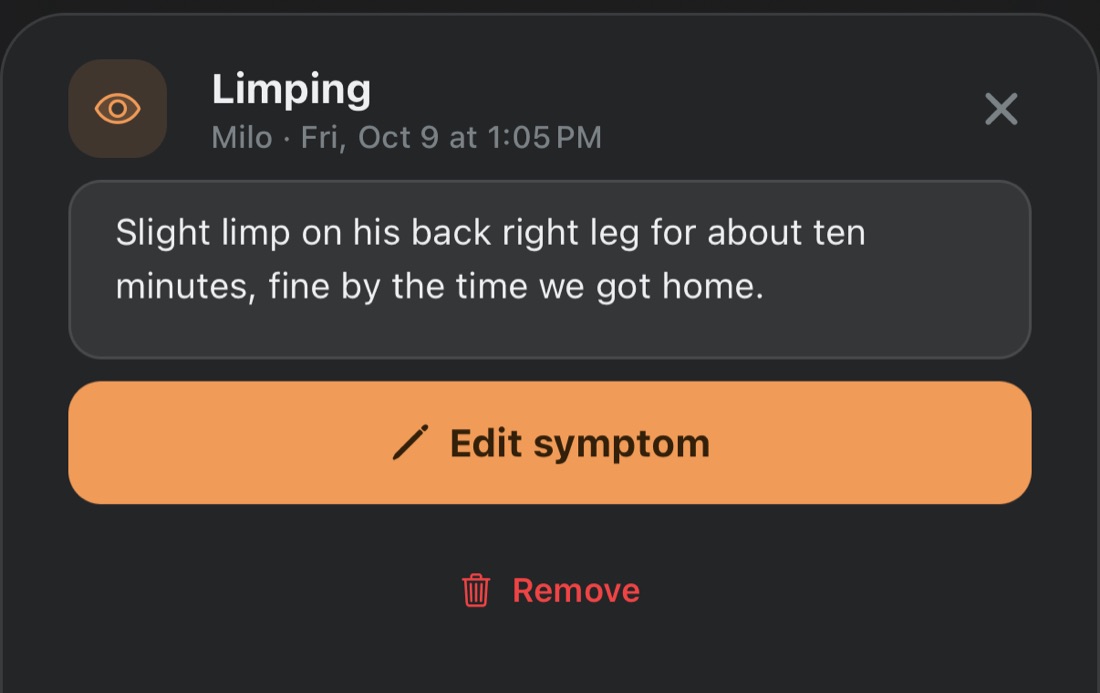
Spotted a tick, a slight limp, a dog who left half their lunch? Tap Log something in Care and write it down. It’s filed under that day, so you can tell the owner exactly what you saw and when.
Questions walkers ask
What’s the best app for dog walkers?
It depends on how you work. If you need new clients, a booking marketplace can find them, but it takes a cut of every walk. If you already have your clients, TrackMyPaw lets you track each walk by GPS, show the owner the route, distance and time, and keep everything you earn, for one subscription and no commission.
How can a dog walker prove they walked the dog?
Track the walk by GPS and send the owner the result. In TrackMyPaw you press start at the door, and when you finish you send a card showing the route on the map, the distance, and the time you left and got back.
How much does TrackMyPaw cost a dog walker?
One subscription, monthly or yearly, paid through the App Store. The current price is on the App Store page. There’s no commission and no fee per walk or per client, so whatever your clients pay you stays yours.
Do my clients need to download the app?
No. You send the walk card as an ordinary picture, through WhatsApp, iMessage, email or anything else on your phone.
Can the owner track the walk live?
No. TrackMyPaw runs on your phone, so there’s no live map for the owner to follow. They see the walk once it’s done, when you send the card with the route, distance and time.
Does TrackMyPaw handle bookings or payments?
No. You and your clients agree on times and payment directly, the same as now, and nothing is taken from your walks.
Is TrackMyPaw on Android?
Not yet. It’s iPhone only for now. Your clients can be on any phone, since what you send them is a normal picture.
General information for dog walkers, not legal or financial advice. Commission figures are typical ranges published by booking platforms and in walker guides as of October 2026, and they vary by platform, country and service.