Frequently asked
Questions about tracking your dog's walks and care
How do I track my dog's walks on iPhone?
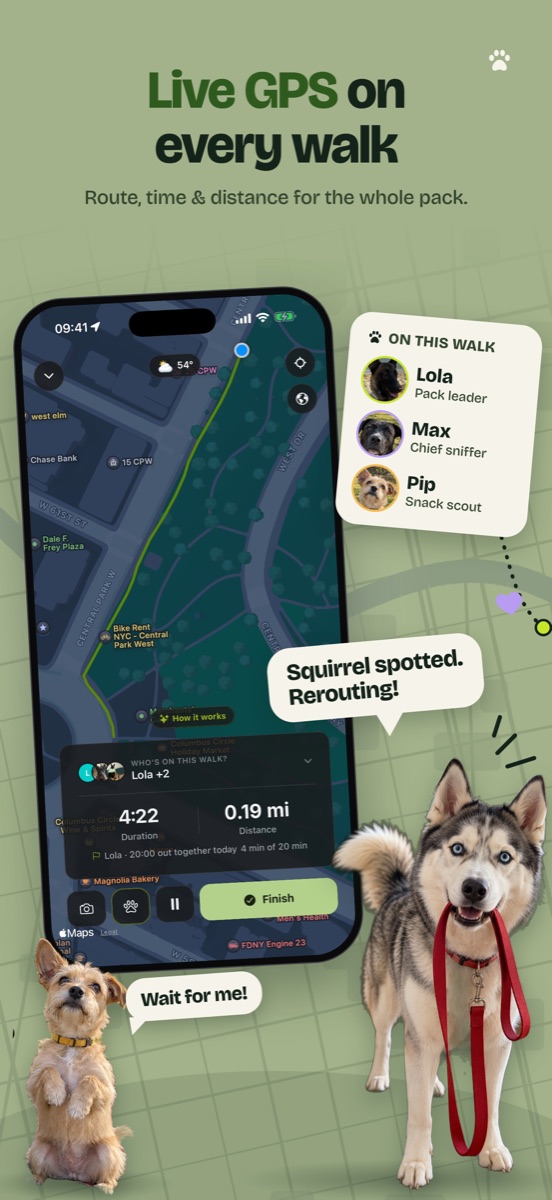
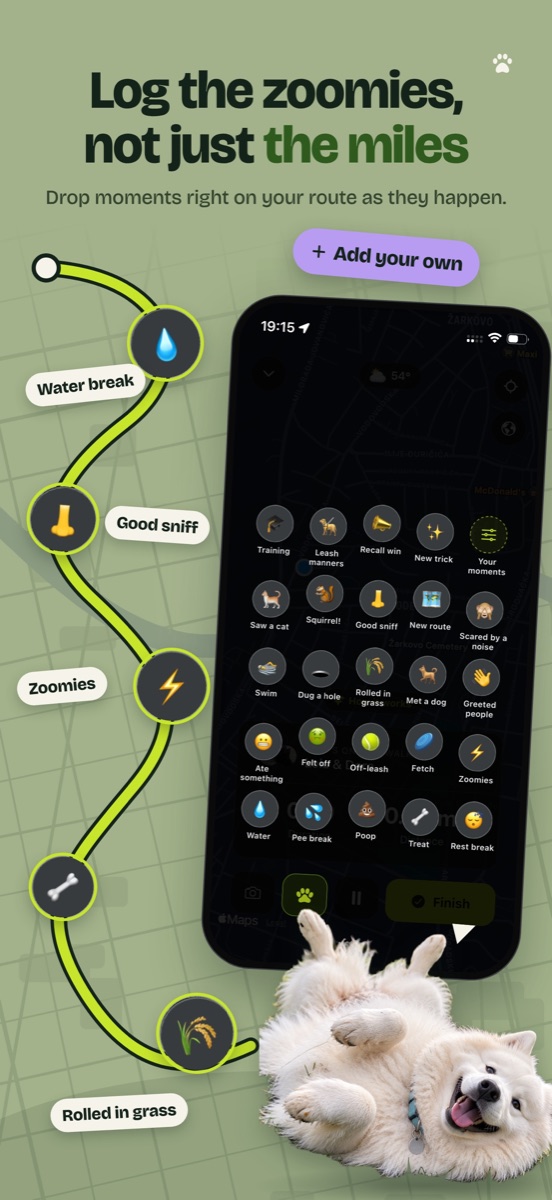
Open TrackMyPaw, tap the dogs who are coming and press Walk. Your iPhone records the route, distance and time with GPS while it's in your pocket. When you get home, the walk is saved to each dog's journal. You don't need a GPS collar or any other gadget.
Can I track more than one dog?
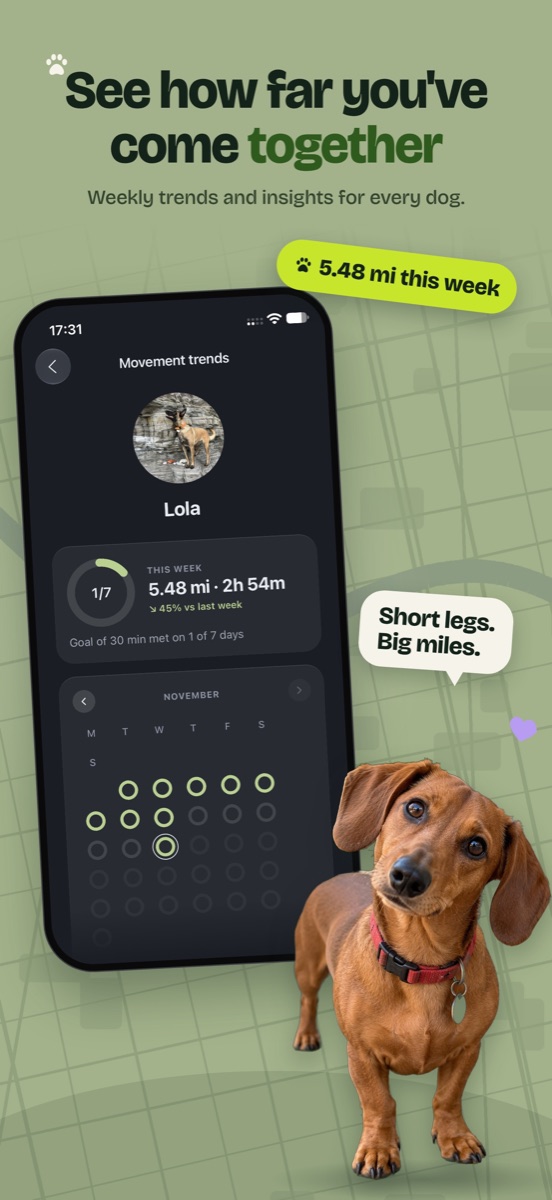
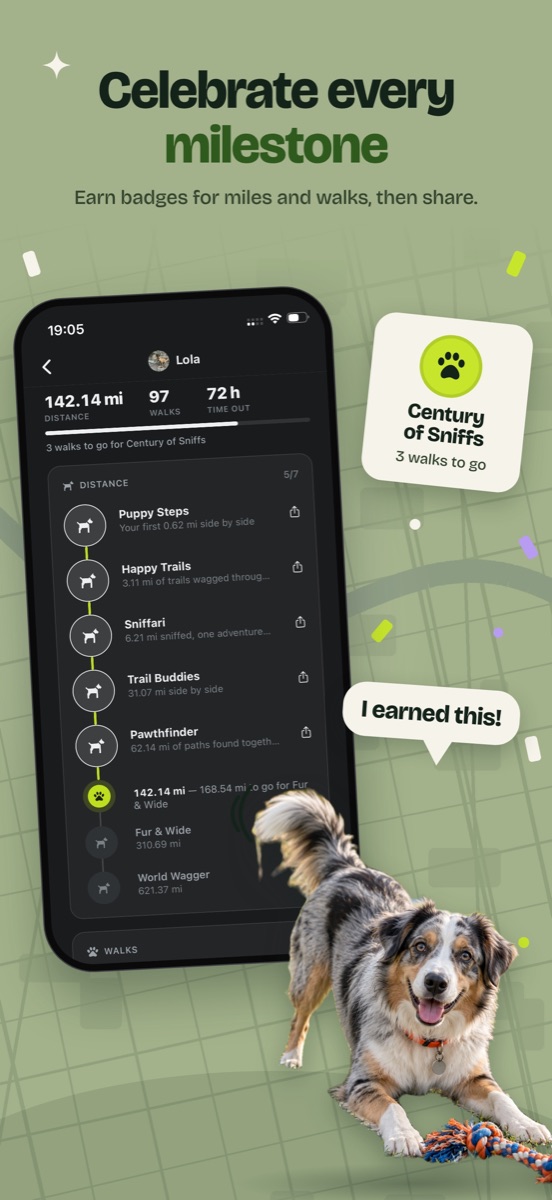
Yes, as many as you have. Choose who's coming at the start of each walk, and the walk is added to each of them. Distance, weight, vaccines, care, expenses, notes and badges are kept separately for every dog, and the journal can show one dog's walks at a time.
Can I plan a dog walking route before I go?
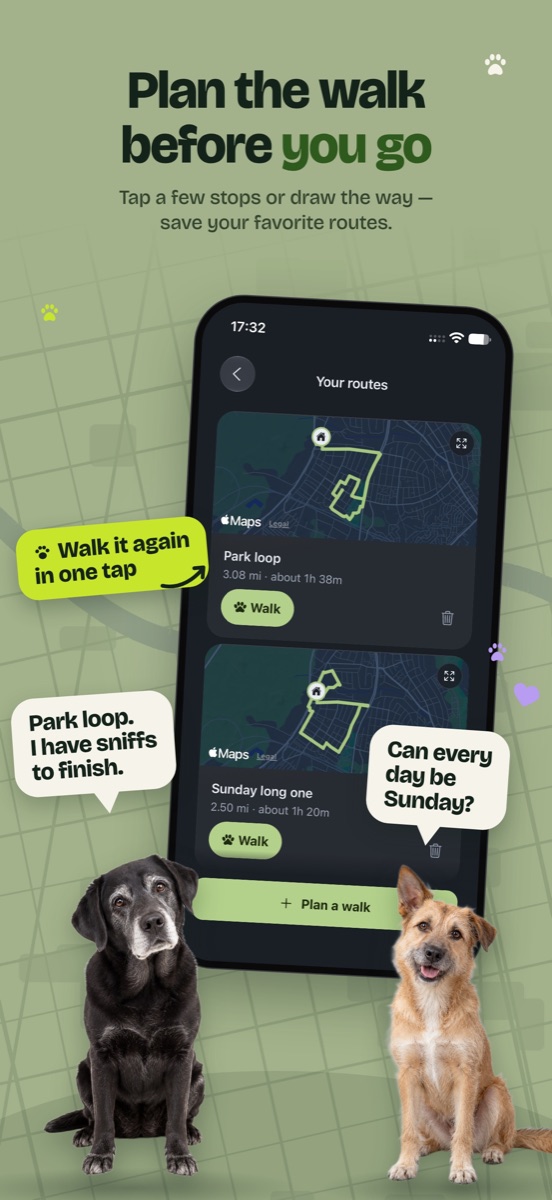
Yes. Tap a few points on the map or draw the way with your finger, and the route follows real paths. You'll see the distance and about how long it takes at your dog's pace. Save it, and next time pick it on the walk screen and follow the line. Planning and saving routes is free.
Is there an app to track my dog's vaccinations?
TrackMyPaw does that. Add each vaccine with the date it was given and when it's due next. You'll get a reminder a week ahead, so there's time to book the vet, and another on the day.
Will it remind me about flea, tick and worming treatments?
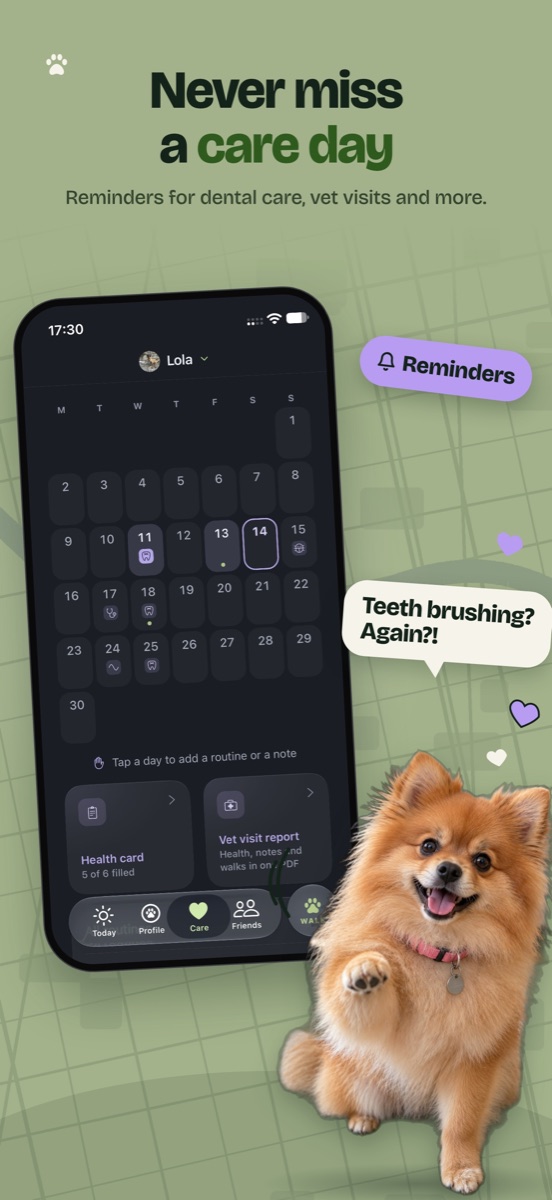
Yes. Set up flea and tick, worming, daily medication, teeth, ears, nail trims, grooming, training or vet check-ups on any schedule, and you'll get a reminder at the time you choose. You can tick it off right from the notification. You can also turn on morning and evening walk reminders.
How can I keep track of how much my dog costs?
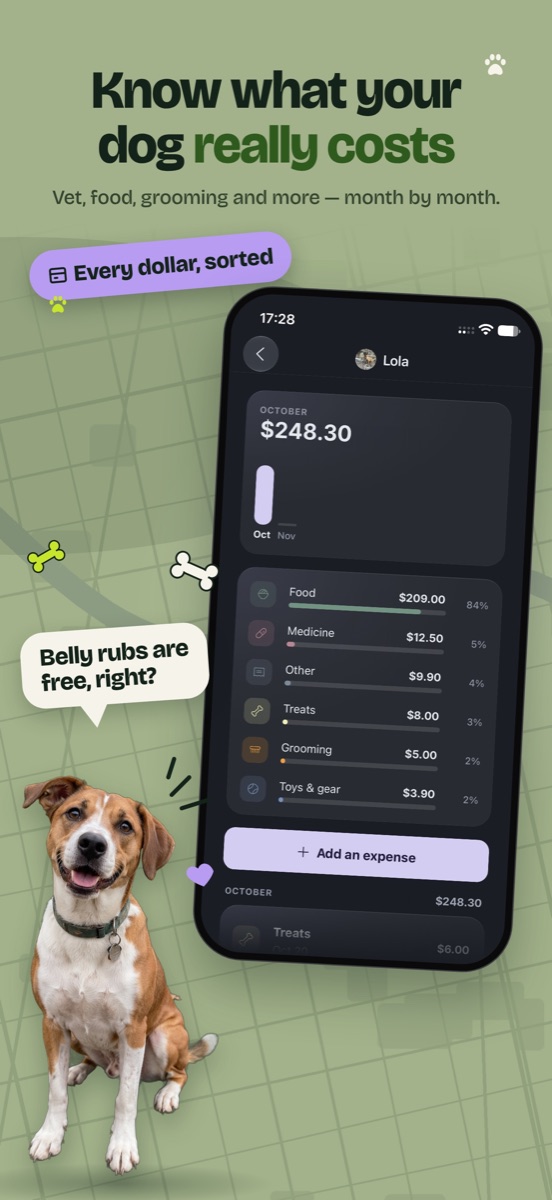
Add each expense in a few taps: food, vet, insurance, grooming, daycare and more, for one dog or split between several. You'll see each month, each year and all time, plus your monthly average. It's free, and you choose your currency.
Can I give my vet a record of my dog's health?
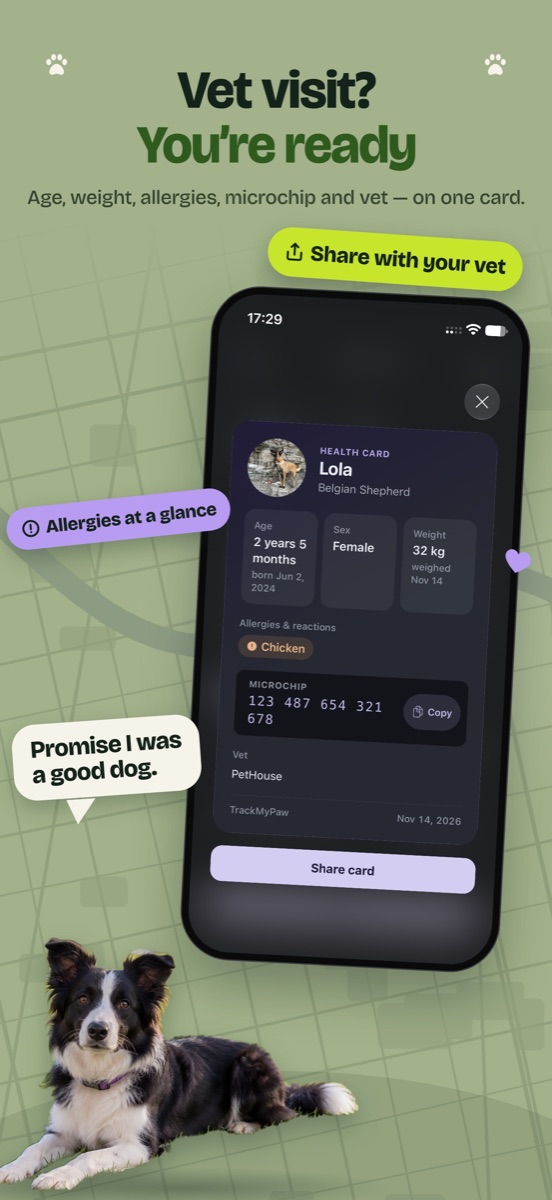
Yes. The vet visit report puts the health card, weight history, treatments, notes and walks into one PDF. Send it before the appointment or show it on your phone.
Does it keep recording with the screen off?
Yes, if location is set to "Always" in iPhone Settings: the route keeps drawing while your phone is locked in your pocket. With "While Using the App", a walk you've started keeps recording too, though iOS may pause it now and then, and the walk screen will tell you if it did. The app explains this on your first walk.
Where do the dog-friendly places come from?
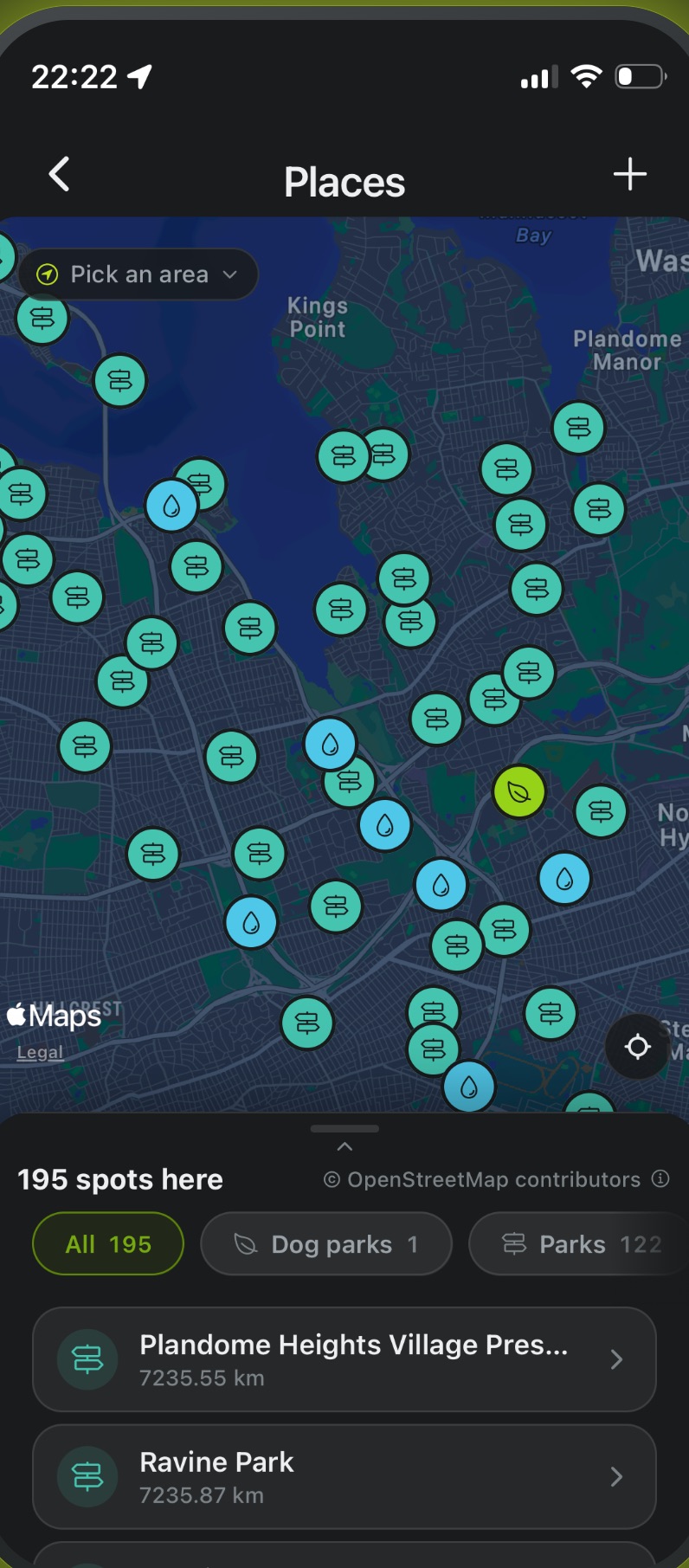
From OpenStreetMap, the map that volunteers keep up to date around the world. You'll find parks, water bowls, dog parks, vets and groomers. You can save your own spots too, and they stay private to you.
Which devices does TrackMyPaw work on?
iPhone, with iOS 16.4 or later. The app is available in English and Ukrainian.
What happens to my location data?
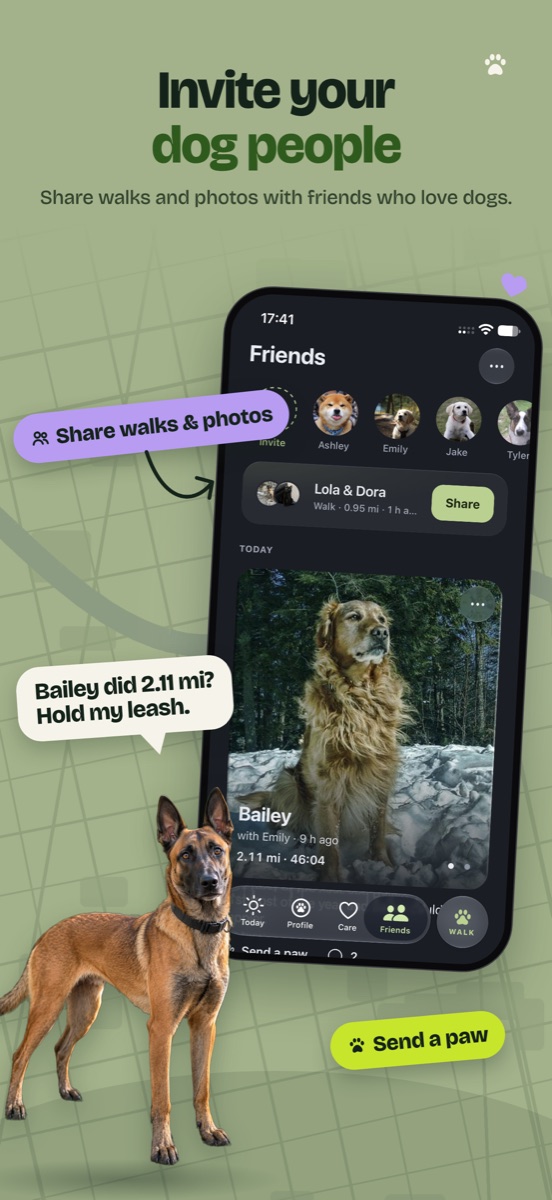
Location is recorded while a walk is running, and your routes are saved in your account so you can see them in your journal. They stay private unless you choose to share a walk: as a card you send yourself, or with friends you've added in the app, with or without its route. They are never sold. The privacy policy explains exactly what's kept and for how long.
Does it work in Ukrainian?
Yes, fully. Change the language in Settings, or let it follow your phone.